Inventory and purchasing, connected to your jobs
Manage shop and truck stock, fulfill material requests and follow supplier orders through delivery and credits.
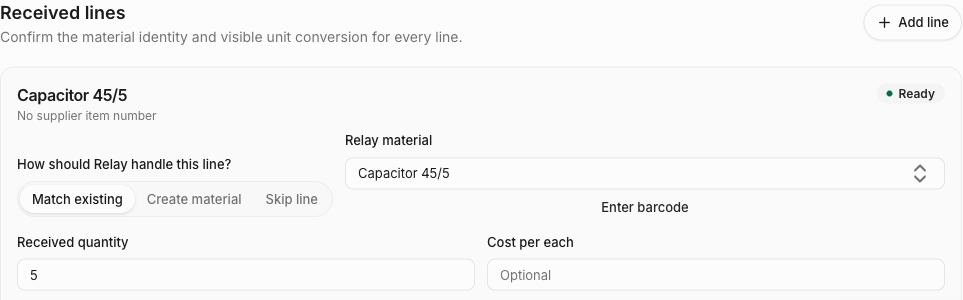
Stock across your shop, trucks and jobs
Know what is on hand, what is reserved for a job and what is available to use. Track materials by location and serialized units individually.
- Truck stocking
- Set min/max levels for each truck, reuse stocking templates and see what to collect from the shop.
- Material requests
- Review requests from technicians, transfer available shop stock and purchase the parts still needed.
- Usage, counts and labels
- Record job usage, review physical counts and identify materials with barcodes and printable labels.
Purchasing through to supplier follow-up
- Quotes and purchase orders
- Request supplier quotes, compare prices and lead times, and create an order for each selected supplier. Send, copy and revise orders as plans change.
- Receiving and three-way matching
- Receive full or partial deliveries into the right stock location. Compare supplier invoices with purchase orders and confirmed receipts, and review price or quantity differences.
- Returns and warranty recovery
- Track supplier returns and failed-part warranty claims, including return authorizations, deadlines and credits still owed.
Try the materials workflow on your own device
Use the free truck inventory app to record your parts and counts. Then open the job materials planner to combine requirements across jobs, review shortages and export a supplier-ready list.
These tools work without an account and store work in this browser. Planning a purchase does not move stock, place an order or synchronize a team workspace.