Carry the work into the invoice
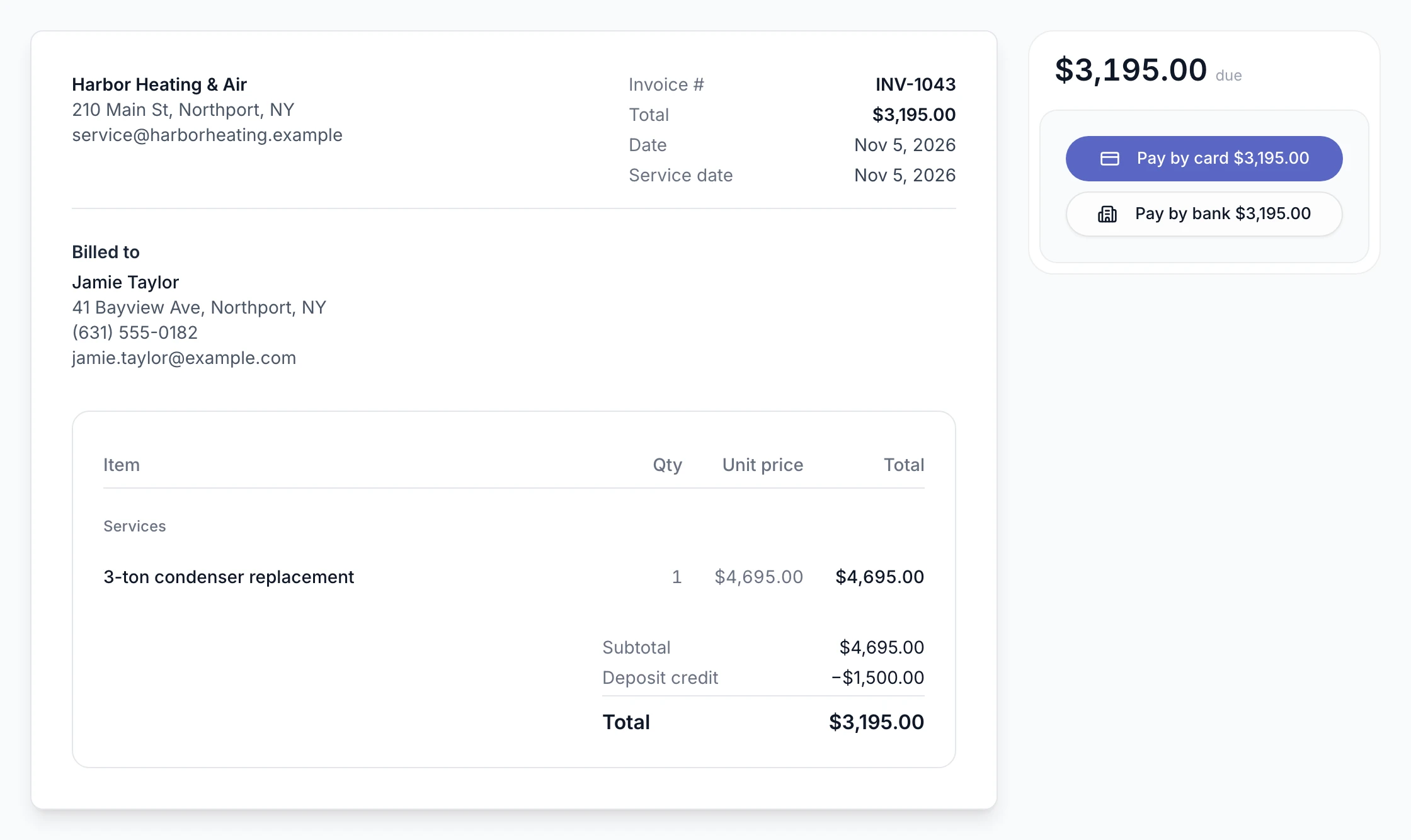
Bring approved work into an invoice with its prices and customer details. Add line items, tax, payment terms, and notes before sending.
See estimates & proposalsCreate an invoice from a job or approved estimate, or start one yourself. The deposit is already applied. Send a payment link and collect by card or bank payment. The invoice and its payments stay with the customer and the job.
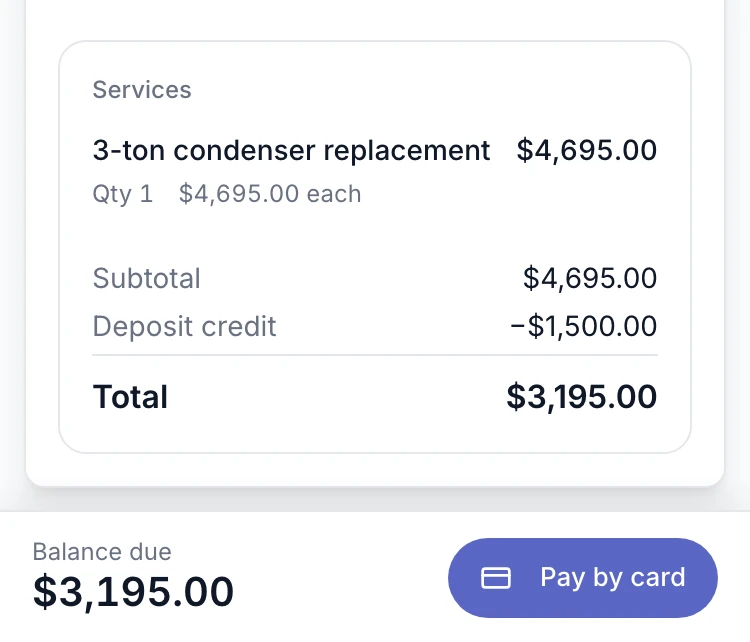
Bring approved work into an invoice with its prices and customer details. Add line items, tax, payment terms, and notes before sending.
See estimates & proposalsThe invoice shows the deposit already paid and the amount still due, so the customer sees exactly what is left. A deposit counts toward the job, not as a separate sale.
Customers open the invoice and pay without creating an account. In the field, take payment with Tap to Pay on a supported phone or with a card reader. Processing fees apply.
Relay emails payment reminders on your schedule once an invoice is overdue. Send one now or pause them on any invoice, and see whether each send went through.
Yes. Record a cash, check, or other outside payment against the invoice so its balance reflects what was collected. Recording it does not move money through Relay.
No. You can create invoices, send payment links, and track balances in Relay without connecting QuickBooks.
Related guides: Invoicing software for plumbers and Jobber vs QuickBooks.
How it works in detail: Invoices and payments and QuickBooks Online sync.